Overview

Who is this for - Anyone involved in setting up or managing payments with Paymob, including Merchants, Developers, and Product or technical teams
Outcome - know where to start, what you need, and which path makes the most sense for you
Last Updated Date - August 3, 2026
Paymob helps businesses accept online and in-person payments securely and at scale. Whether you’re just getting started with payment links, setting up an online store, or building a custom checkout from scratch, Paymob gives you a few different ways to integrate so you can choose what fits your business and technical setup.
This overview will help you understand what Paymob offers, which payment methods are available, and how to get up and running with the right integration.
Who Is This For?
In our documentation, to help you with navigation, visual indicators are used to clarify the intended audience. When you see the People figure, the content applies to all users, including marketers and non-technical roles. When you see a code figure, the content is intended specifically for developers and may include technical or implementation-focused details.

Everyone
Essential information for anyone getting started with Paymob.

Developers
Detailed API documentation, integration guides, and technical specifications. Ideal for those implementing Paymob's payment solutions directly into applications or platforms.
How Our Docs Are Organized
Our documentation is split into three tabs, so you can quickly find what fits what you're doing.
Documentation
Guides and step-by-step instructions to help you get started and integrate with Paymob.
Developers
API references, technical specifications, and implementation details for building your integration.
AI Solutions
AI-driven and agent-based integrations with Paymob, covering protocols, skills, and other AI-focused tools we add over time.
Beyond Payments section
Beyond Payments covers the capabilities that sit alongside core payment processing, sending funds out to vendors and employees, or onboarding merchants under your own partner integration. See Beyond Payments to find the right path.
Payment methods available
Paymob supports a range of payment methods commonly used, so your customers can pay the way they prefer:
Cards

Methods included: Visa, Mastercard, Amex, MADA, OmanNet
When to use: Standard online card payments with 3D Secure
Mobile Wallets
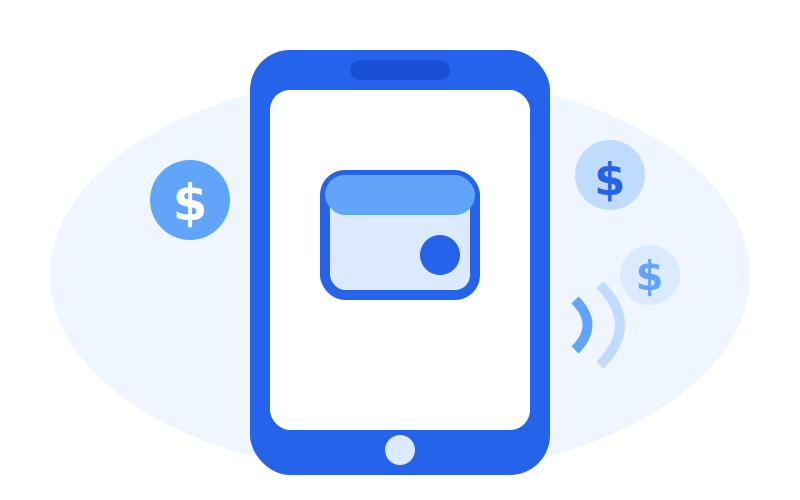
Methods included: Vodafone Cash, Orange Cash, e& money, We Pay, … in Egypt. Stc Pay in KSA When to use: Basic banking services are provided by banks and their agents (e.g., mobile network operators).
Quick Payments
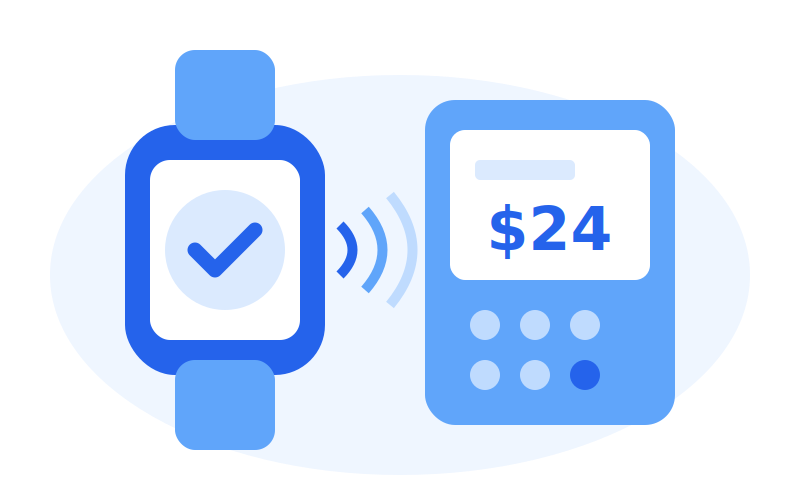
Methods included: Apple Pay, Google Pay
When to use: Faster checkout using cards saved on the user’s device or browser
BNPL

Methods included: (Tabby, Tamara) in the UAE and KSA(vaLU, Sympl, Souhoola, Halan, TRU, MOGO, …) in Egypt
When to use: Allow customers to split payments into installments
In-Person Payments
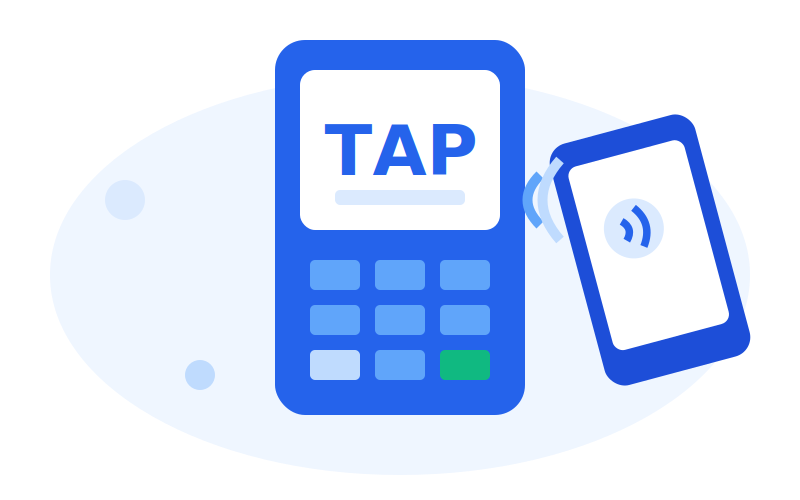
Methods included: Tap to Pay
When to use: Accept contactless payments on supported devices using the Paymob App
Not all payment methods are enabled by default. Availability depends on your merchant account setup. Reach out to your Paymob account manager if you need specific methods enabled.
Payment links / PayMe | Freelancers, invoicing, social selling | Minutes | None |
E-commerce plugins | Shopify, WooCommerce, Magento | Hours | Low |
Hosted checkout | PCI-compliant payment redirection | Days | Medium |
Pixel (Embedded) | Embedded checkout experience | Days–Weeks | High |
Mobile SDKs | iOS, Android, Flutter, React Native | Days–Weeks | High |
You can always switch or expand later as your business grows.
1
A customer starts a payment on your website or app
2
Payment details are collected through a hosted or embedded checkout
3
Paymob processes the payment and handles authentication
4
Your system gets the result through a webhook
5
The customer sees a success or failure confirmation
Ways to integrate with Paymob
There’s more than one way to integrate Paymob. The right option depends on how technical your setup is and how quickly you want to launch.

Sandbox (Test)
What it's for: Development and testing
When to use it: While building and QA

Production (Live)
What it's for: Real payments When to use it: After go-live approval
Not sure where to start?
Use this quick guide:
- No developers involved? → Start with Payment Links
- Running a Shopify or WooCommerce store? → Use an E-commerce Plugin
- Want a hosted payment page → Go with Hosted Checkout
- Want an embedded payment experience, not redirection → Go with Pixel
- Building a mobile app? → Use the Mobile SDKs
Egypt: https://accept.paymob.com/
Oman: https://oman.paymob.com/
Saudi Arabia: https://ksa.paymob.com/
United Arab Emirates: https://uae.paymob.com/
How payments work (at a high level)
No matter which integration you choose, the payment flow stays mostly the same:
Always use test credentials while developing.
You don’t need to handle sensitive card data yourself. Paymob takes care of that.
Test vs. live environments
Paymob gives you two environments to work with:

For all integrations
- A Paymob merchant account
- Access to the Paymob Dashboard
- Completed business verification
Test and live use the same regional base URL for each region. The mode is controlled by the keys and integration IDs you use.

For API or SDK integrations
- API Secret Key and Public Key
- Integration ID(s) for your payment methods
- A webhook endpoint
- Success and failure redirect URLs
What you’ll need before you begin
Here’s a quick checklist to help you prepare.

For e-commerce plugins
- Admin access to your platform
- Integration ID(s)
- API key, secret key, and public key
Where to go next
Depending on what you want to do, here’s where to continue:
Set up API credentials | |
Test your integration | |
Prepare for production | |
Get guided setup | |
Build with AI agents or tools | |
Explore capabilities beyond payment processing | |
Something isn't working as expected |
Need help?
If you get stuck, you’re not on your own:
- Documentation: Use the sidebar to explore all topics
- API reference: Full API details live under Developer Reference
- Postman collection: Try the APIs quickly using Postman
- Support: support@paymob.com
- Community: Join the Paymob Developer Community


On this page
- Overview